Lil’ Lights
How Breadboards Work
A breadboard is a tool used to create and test out circuits. The board consists of two side sections and two middle sections. The side sections consist of two columns divided into sections of 5 holes for wires. Each column allows an electric current through all its section, but it is not connected to the other column, or the other side and middle sections. There are two columns in the side section, one marked by a red line (positive), and one marked by a blue line (negative). The middle sections consist of 63 rows of 5 holes for wires. Each row has allows a current to only flow through that specific row of 5. to connect the holes in the different rows and columns together, you must use wires. to start a circuit, one must connect the negative and positive wires of a battery to the negative and positive columns of the side sections. None of the 4 sections are connected in any way. Start building you circuit!
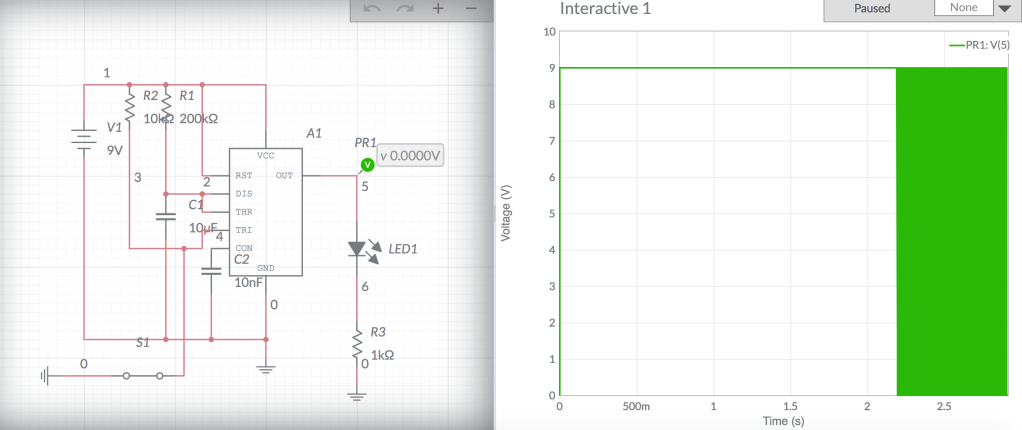
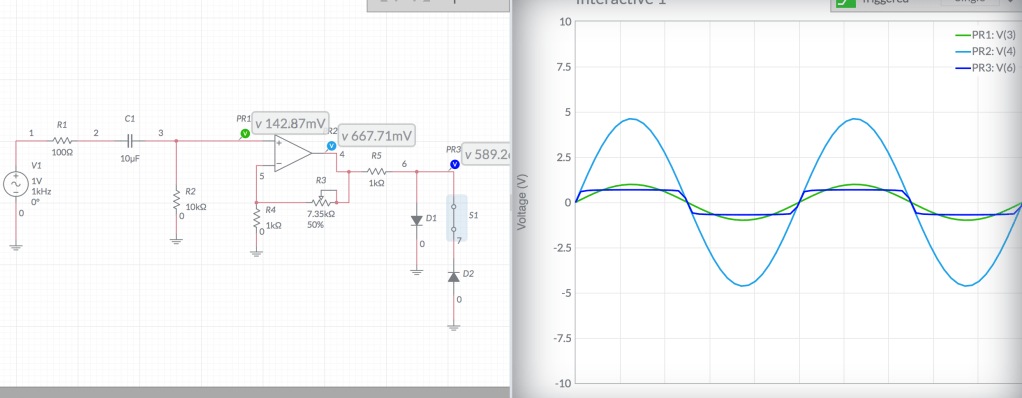
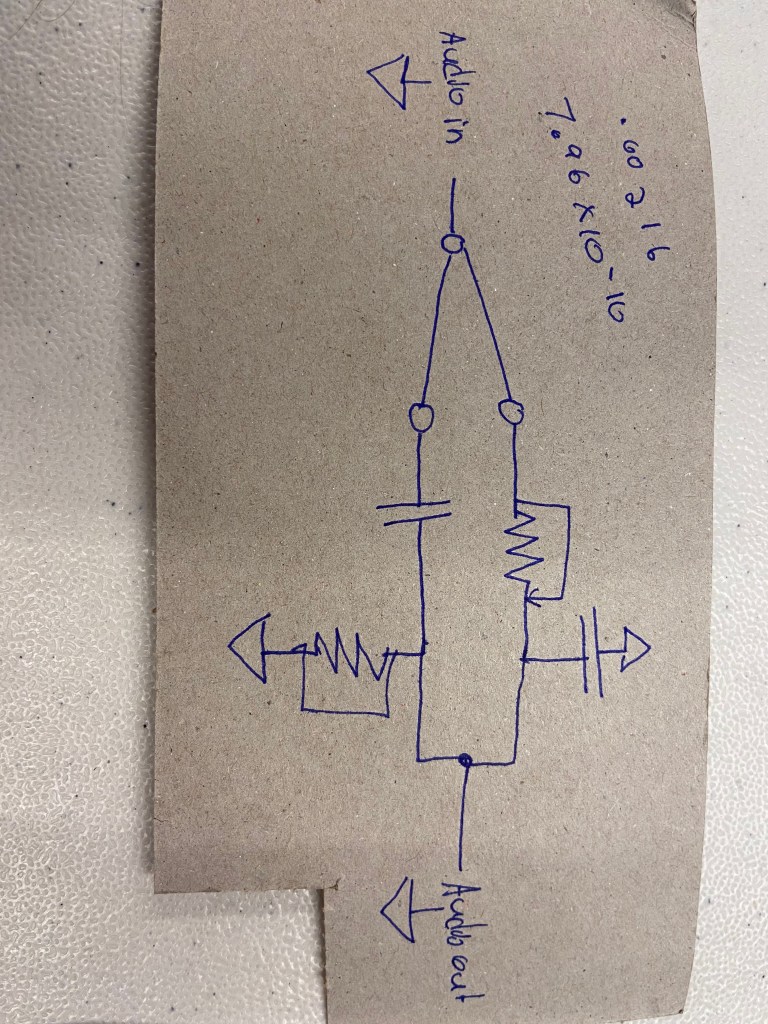
An error keeps occuring with every method I use to upload the schematics, so I will email you an image of it.
Multimeter
The multimeter is a helpful tool that is used to analyze and evaluate circuits. Multimeters have two wires, one positive and one negative, to test the levels of different aspects of a circuit. If you out the multimeter on voltage mode, it will test how many volts there are in a circuit. If you put it to resister mode, you can test how many ohms of resistance there is. If you put it on current mode, it will test how many amperes of current there is. Knowing these values, you can evaluate your circuit and determine its abilities.
List of Mistakes Made
- I accidentally bent a wire to the point that it didn’t fit into the breadboard, so I had to cut a new wire.
- When lighting two LEDs in the circuit, the red LED would light up, but the yellow LED would not, likely because the red was a lot warmer of a color.
- I had to use two red LEDs
- The photocell didn’t create as much change as I wanted it to
I did not have many issues during this process.
Inspiring Final Projects
Jillian Olesen: I thought Jillian’s project was really cool. The pedal worked really well and I liked the sound of the effect created. I though adding the filter knob made the sound so much cleaner. I like how she fused art and electronics together to make a very aesthetically pleasing pedal.
Kat McFarlane: This project was really cool because of its surprising output. I was really impressed that the synth had clear tuned polyphonically playable triad chords.
Connor Riley: This project was really cool and inspiring. It was impressive how many effects Connor was able to install into this project, and all the ways to control the effects. I want to make something at this level if I can, and then make it more aesthetically pleasing.


 Dashiell's Analog Electronics Palooza